
SlowGold Features
- Handles mp3, aif, wav, flac, CD tracks, and many other formats.
- For Windows 10™, Windows 8.1™, Windows 8™, Windows 7™, Windows Vista™, and Windows XP™.
- Slowdown to 1/20 of the original speed, in any increment you choose (or speed up to twice as fast, with no “chipmunk effect”).
- Pitch up or down to 2 octaves.
- Fine tuning by as little as 1 cent.
- Add your own notes to any part of the music, like “Solo starts here”
- Instant Start technology means application starts up immediately, exactly where you were before.
- Export slowed-down snippets (or an entires track) from the File/Export menu
- Drag files from your desktop or iTunes™.
- Waveform display with autoscroll
- Plays through any sound card.
- Recognizes some CDs using freeDB’s database.
- Dynamic zoom in and out of waveform using the menus, commands or mousewheel.
- Displays track metadata: album, artist, song, more.
- Edit metadata to correct errors, fill in gaps, or just to add your own notes.
- Draggable loop points.
- Dual time clock with millisecond times and graphical display.
- Completely assignable keyboard commands.
- Commands can also be assigned to MIDI events.
- Context-sensitive help.
- Stereo.
- Reprocess stereo into mono.
- One-click creation of loop points.
- Draggable loop points and time cursor.
- Cut and paste loop points – even between songs.
- Dozens of navigation and selection commands.
- Toggle between Basic and Advanced menus.
- All component sizes can be adjusted within the window by dragging.
- Unlimited undos
- All commands are undoable including layout commands.
- Tape-recorder-like functions with smart rewind.
- Waveform caching and audio look ahead provides instant access to previously-viewed tracks, even on CD.
- Stereo level display.
- Waveform drag.
- Edit loop point labels in place.
- Configurable control layout.
- Recent files menu.
- Audio commands: nudge up and down, mute, dim
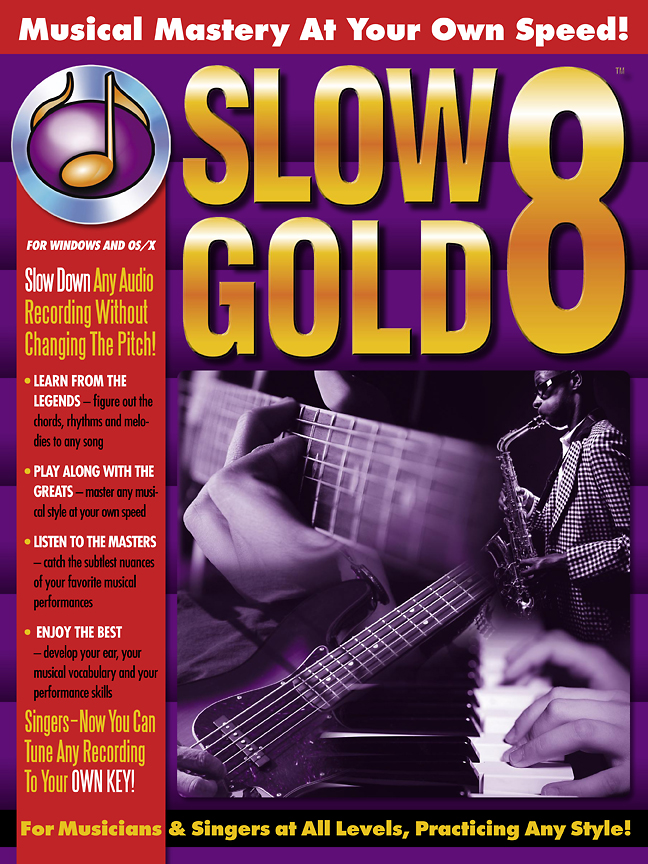
Our Customers Say…
“SlowGold is so good it is a terrible dilemma trying to decide whether to sing its praises, or keep it to myself to make me look like a musical genius. Am I raving?! Thanks massively for the great software.” — Thomas Morningstar
“I wish SlowGold had been around when I was trying to learn how to improvise. Those Wes Montgomery solos would have been much easier to learn.” — Don Latarski, Jazz Guitar Instructor and author of Practical Theory For Guitar
“SlowGold has rendered all of my other transcribing tools obsolete. Nothing even comes close for quality and versatility. It eliminates all the guesswork and is helping my ear to reach its fullest potential. This program is a godsend.” — Steve Gorenberg, Professional Transcriber